

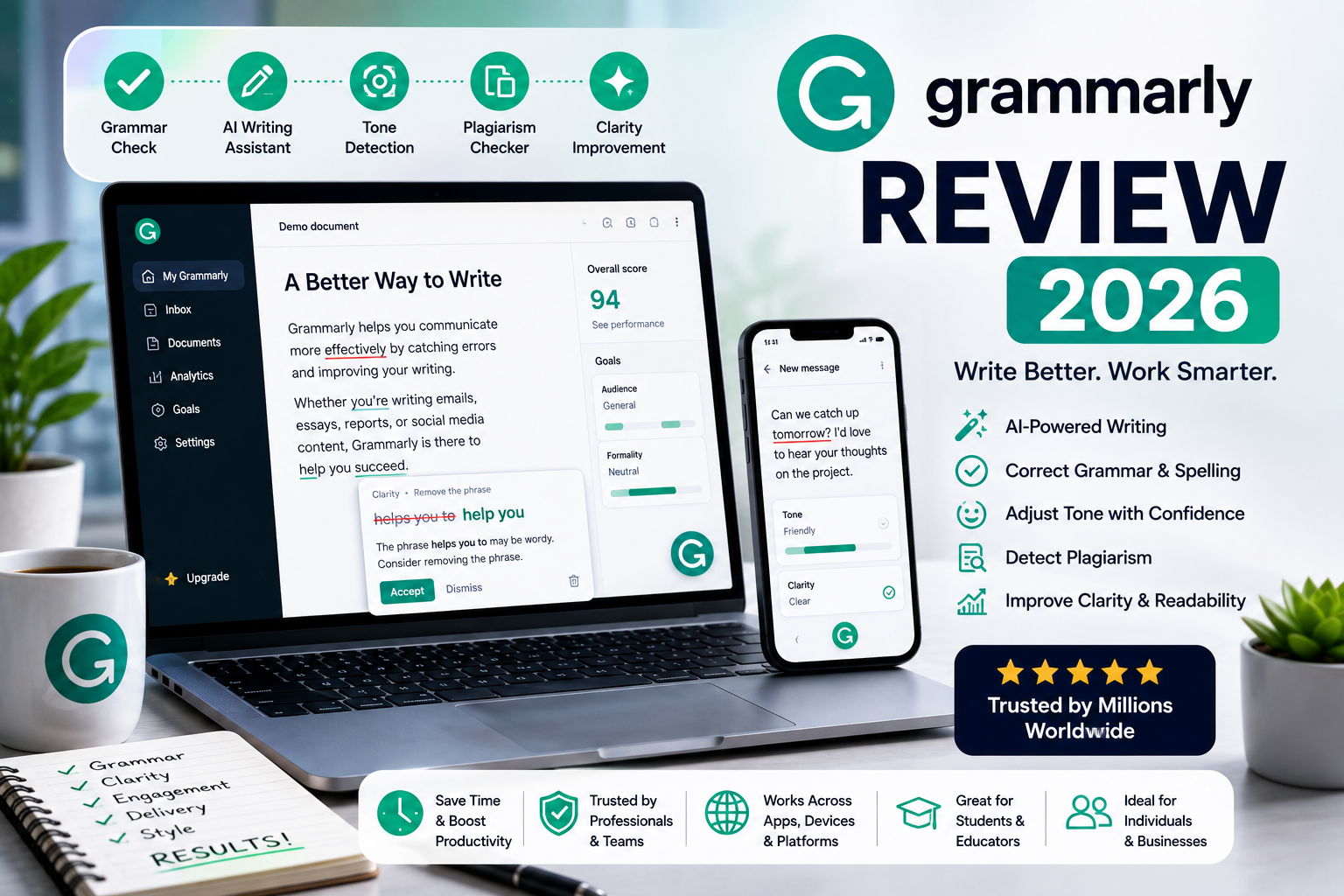
Grammarly Review (2026): Features, Pricing, AI Writing Assistant & Is It Worth It?
Introduction
Clear, error-free writing has become more important than ever. Whether you’re sending business emails, writing blog posts, submitting academic assignments, or creating marketing content, well-written text helps you communicate more effectively and build credibility.
Grammarly has long been one of the most popular writing assistants, helping millions of users improve grammar, spelling, punctuation, clarity, and tone. In recent years, it has expanded beyond proofreading by adding AI-powered writing features that can generate, rewrite, summarize, and refine content.
Today, Grammarly is used by students, professionals, businesses, content creators, marketers, and developers who want to write with greater confidence and efficiency.
In this review, we’ll cover:
- What Grammarly is
- How it works
- Its key features
- Pricing and plans
- Supported countries
- Whether Nigerians can use Grammarly
- Pros and cons
- Whether it’s worth paying for
This review is based on publicly available information, official documentation, and practical use cases to help you decide if Grammarly is the right writing assistant for your needs.
What Is Grammarly?
Grammarly is an AI-powered writing assistant designed to help users write more accurately, clearly, and effectively.
Originally launched as a grammar and spelling checker, Grammarly now includes a broader set of AI features that assist with:
- Grammar correction
- Spell checking
- Punctuation suggestions
- Sentence rewriting
- Tone detection
- Writing clarity
- AI content generation
- Email drafting
- Document summarization
Grammarly works across web browsers, desktop applications, mobile devices, and integrations with popular software, making it easy to improve writing in many different environments.
Company Overview
| Information | Details |
|---|---|
| Company | Grammarly, Inc. |
| Product | Grammarly |
| Industry | AI Writing & Productivity Software |
| Founded | 2009 |
| Headquarters | San Francisco, California, USA |
| Founders | Alex Shevchenko, Max Lytvyn, Dmytro Lider |
| Registration | Free account available |
| Mobile App | Android & iOS |
| Browser Extension | Chrome, Edge, Firefox, Safari |
| Desktop App | Windows & macOS |
How Does Grammarly Work?
Grammarly analyzes your writing using artificial intelligence and natural language processing (NLP). As you type or upload text, it evaluates grammar, spelling, punctuation, sentence structure, readability, and writing style.
Depending on your plan, Grammarly may also provide suggestions to:
- Rewrite sentences
- Improve clarity
- Adjust tone
- Simplify complex wording
- Generate new content
- Summarize documents
Rather than automatically replacing your text, Grammarly allows you to review each suggestion and decide whether to accept it.
READ ALO: OpenAI ChatGPT Review (2026): Features, Pricing, Safety, Pros & Cons
Key Features of Grammarly
1. Grammar and Spell Checker
Grammar checking remains Grammarly’s core feature.
It automatically detects issues such as:
- Grammar mistakes
- Misspelled words
- Incorrect punctuation
- Subject-verb agreement
- Sentence fragments
- Capitalization errors
Suggestions appear in real time, allowing users to correct mistakes before publishing or sending their work.
2. AI Writing Assistant
Grammarly includes AI-powered writing features that help users create and improve content.
Common uses include:
- Drafting emails
- Creating blog outlines
- Rewriting paragraphs
- Generating marketing copy
- Brainstorming ideas
- Summarizing text
- Adjusting writing style
These tools are designed to support the writing process rather than replace human judgment.
3. Clarity Suggestions
Grammarly helps make writing easier to understand by identifying:
- Wordy sentences
- Repetitive phrases
- Unclear wording
- Passive voice (where appropriate)
- Awkward sentence structure
The goal is to improve readability without changing the intended meaning.
4. Tone Detection
Tone plays an important role in communication.
Grammarly analyzes your writing and provides feedback on how it may sound to readers.
Examples include:
- Friendly
- Professional
- Confident
- Formal
- Respectful
- Optimistic
This feature can be particularly useful for workplace emails, customer communication, and professional documents.
5. AI Rewrite
Instead of manually editing every sentence, Grammarly can suggest alternative wording.
Users can ask Grammarly to:
- Make writing shorter
- Expand ideas
- Improve readability
- Simplify technical language
- Sound more professional
- Adjust tone
These suggestions can save time while preserving the writer’s intent.
6. Plagiarism Checker
On supported plans, Grammarly offers a plagiarism detection feature that compares submitted text against a large database of web pages and academic content.
This feature can help:
- Students
- Researchers
- Bloggers
- Publishers
- Businesses
While plagiarism reports are useful, users should still verify originality and cite sources appropriately.
7. Writing Goals
Grammarly allows users to tailor suggestions based on writing objectives.
You can adjust settings for:
- Audience
- Formality
- Domain
- Intent
- Tone
This helps ensure recommendations align with the purpose of your document.
8. Integrations
Grammarly works with many popular platforms and applications.
Examples include:
- Google Docs
- Microsoft Word
- Gmail
- Outlook
- Slack
- Web browsers
- Desktop applications
- Mobile keyboards
These integrations allow users to receive writing suggestions without switching between apps.
Who Should Use Grammarly?
Grammarly is suitable for a wide range of users.
Students
- Essays
- Assignments
- Research papers
- Scholarship applications
Professionals
- Emails
- Reports
- Proposals
- Business communication
Content Creators
- Blog posts
- Website content
- Social media captions
- Newsletters
Freelancers
- Client communication
- Project proposals
- Marketing materials
Businesses
- Internal communication
- Customer support
- Sales emails
- Documentation
Non-Native English Speakers
Grammarly can help users improve grammar, vocabulary, and sentence structure while building confidence in written English.
Supported Countries
Grammarly is available in most countries worldwide. Since it is primarily a cloud-based service, users can access it anywhere they have a supported internet connection.
Some premium features or payment methods may vary by region, so users should consult Grammarly’s official website for the latest information.
Can Nigerians Use Grammarly?
Yes. Grammarly is available to users in Nigeria.
Many Nigerians use Grammarly for:
- Academic writing
- Blogging
- Freelancing
- Business communication
- Job applications
- Professional emails
- Content marketing
- Social media management
The free version offers a solid set of writing tools, while paid plans unlock more advanced AI features and writing assistance.
How to Create a Grammarly Account
Getting started with Grammarly is straightforward.
Step 1
Visit the official Grammarly website or install the Grammarly app or browser extension.
Step 2
Click Sign Up.
Step 3
Register using:
- Email address
- Google account
- Apple account (where available)
Step 4
Verify your email address if required.
Step 5
Start using Grammarly’s free plan or upgrade if you need additional AI writing and editing features.
Grammarly Pricing
Grammarly offers plans for individuals, teams, and businesses. The free plan includes core writing assistance, while paid plans add more advanced AI features, style suggestions, plagiarism detection, and collaboration tools.
| Plan | Best For | Cost |
|---|---|---|
| Free | Everyday writing | Free |
| Pro | Individuals who need advanced AI writing assistance | Monthly or annual subscription |
| Enterprise | Organizations and businesses | Custom pricing |
Pricing and available features may change over time. Always check Grammarly’s official pricing page before subscribing for the latest information.
Grammarly Free vs Pro
| Feature | Free | Pro |
|---|---|---|
| Grammar & spelling checks | ✅ | ✅ |
| Basic writing suggestions | ✅ | ✅ |
| AI writing assistance | Limited | Expanded access |
| Tone improvements | Limited | ✅ |
| Sentence rewrites | Limited | ✅ |
| Plagiarism detection | ❌ | ✅ |
| Advanced style suggestions | ❌ | ✅ |
| Generative AI features | Limited | Expanded access |
For casual users, Grammarly’s free plan covers many everyday writing needs. Writers, students, professionals, and businesses who regularly produce important documents may find the Pro plan worthwhile for its broader AI capabilities and advanced writing insights.
Is Grammarly Safe?
For most users, Grammarly is generally safe to use for improving grammar, spelling, clarity, and writing quality. It is used by millions of individuals, businesses, educational institutions, and professionals around the world.
Because Grammarly processes text that you submit for analysis, it’s important to think carefully before uploading highly sensitive or confidential information.
Avoid submitting content such as:
- Passwords
- Banking information
- Government-issued identification numbers
- Medical records
- Confidential legal documents
- Trade secrets or proprietary business information
If you’re working with confidential material, review your organization’s policies before using any cloud-based writing assistant.
Important: Grammarly is designed to improve writing, not to provide legal, medical, financial, or professional advice. Always verify important information with qualified professionals or official sources.
Privacy and Security
Grammarly provides several security and privacy features to help users protect their accounts and content.
Good security practices include:
- Use a strong, unique password.
- Enable two-factor authentication (if available).
- Review connected devices and browser extensions regularly.
- Log out when using shared or public computers.
- Understand your organization’s data-handling requirements before uploading sensitive documents.
Grammarly also publishes information about its security practices and privacy controls. Users should review the latest policies to understand how their data is handled and what account settings are available.
User Experience
Grammarly is known for its clean interface and seamless integrations across multiple platforms.
One of its biggest advantages is that it works where many people already write, including:
- Web browsers
- Google Docs
- Microsoft Word
- Gmail
- Outlook
- Mobile keyboards
- Desktop applications
Many users appreciate:
- Real-time writing suggestions
- Easy-to-understand explanations
- Fast grammar correction
- Helpful tone recommendations
- AI-assisted rewriting
- Minimal learning curve
Because suggestions appear as you write, Grammarly fits naturally into everyday workflows without requiring users to switch between multiple applications.
Some users may find that advanced AI features are limited on the free plan, and certain suggestions still require human judgment rather than automatic acceptance.
Pros and Cons
| Pros | Cons |
|---|---|
| Excellent grammar and spelling correction | Advanced features require a paid plan |
| Helpful AI writing assistance | AI suggestions should be reviewed before publishing |
| Works across many platforms | Some integrations have feature limitations |
| Easy for beginners to use | Plagiarism detection is not included in the free plan |
| Real-time writing feedback | Internet connection is required for most features |
| Strong productivity integrations | Not a replacement for professional editing in every situation |
Tips to Get Better Results
Grammarly works best when combined with your own writing and editing skills.
1. Write Your First Draft First
Instead of relying on AI to generate everything, write your initial ideas before asking Grammarly to improve clarity, grammar, and flow.
2. Review Every Suggestion
Not every recommendation will perfectly match your intended meaning.
Take time to evaluate:
- Tone
- Accuracy
- Context
- Style
Accept only the suggestions that improve your writing.
3. Set the Right Writing Goals
Adjust Grammarly’s settings based on your audience and purpose.
For example:
- Academic writing
- Business communication
- Marketing content
- Casual emails
This helps tailor suggestions to your specific needs.
4. Combine Grammarly With Human Editing
For important documents such as:
- Research papers
- Legal contracts
- Business proposals
- Published articles
Use Grammarly as one part of your editing process rather than your only reviewer.
5. Continue Improving Your Writing Skills
Grammarly explains many of its suggestions, making it a useful learning tool.
Over time, you’ll likely recognize common mistakes and become a stronger writer independently.
Common Mistakes to Avoid
Many new users misunderstand what Grammarly is designed to do.
Avoid these common mistakes:
1. Accepting Every Suggestion Automatically
Always review AI-generated edits before applying them.
2. Expecting Perfect Accuracy
While Grammarly is highly capable, no writing assistant is perfect. Context and style sometimes require human judgment.
3. Uploading Confidential Documents
Avoid submitting sensitive personal or business information unless you’re comfortable with your organization’s policies and the platform’s terms.
4. Ignoring Tone
A grammatically correct sentence may still sound too formal, too casual, or unclear for your audience.
5. Using Grammarly as a Substitute for Learning
Grammarly can improve your writing, but it’s most valuable when you also develop your own communication skills.
Grammarly vs ChatGPT vs Microsoft Editor vs ProWritingAid
Each tool serves different writing needs.
| Feature | Grammarly | ChatGPT | Microsoft Editor | ProWritingAid |
|---|---|---|---|---|
| Grammar Checking | ⭐⭐⭐⭐⭐ | ⭐⭐⭐⭐☆ | ⭐⭐⭐⭐☆ | ⭐⭐⭐⭐⭐ |
| AI Writing Assistance | ⭐⭐⭐⭐☆ | ⭐⭐⭐⭐⭐ | ⭐⭐⭐☆☆ | ⭐⭐⭐⭐☆ |
| Tone Detection | ⭐⭐⭐⭐⭐ | ⭐⭐⭐⭐☆ | ⭐⭐⭐☆☆ | ⭐⭐⭐⭐☆ |
| Long-Form Writing Support | ⭐⭐⭐⭐☆ | ⭐⭐⭐⭐⭐ | ⭐⭐⭐☆☆ | ⭐⭐⭐⭐⭐ |
| Browser Integration | ⭐⭐⭐⭐⭐ | ⭐⭐☆☆☆ | ⭐⭐⭐⭐☆ | ⭐⭐⭐⭐☆ |
| Beginner Friendly | ⭐⭐⭐⭐⭐ | ⭐⭐⭐⭐⭐ | ⭐⭐⭐⭐☆ | ⭐⭐⭐☆☆ |
| Editing Explanations | ⭐⭐⭐⭐⭐ | ⭐⭐⭐⭐☆ | ⭐⭐⭐⭐☆ | ⭐⭐⭐⭐⭐ |
Which One Should You Choose?
Choose Grammarly if you need:
- Grammar correction
- Professional writing assistance
- Tone analysis
- Everyday proofreading
- Productivity integrations
Choose ChatGPT if you need:
- Brainstorming
- Long-form content creation
- Coding assistance
- Research support
- Conversational AI
Choose Microsoft Editor if you need:
- Basic grammar checking within Microsoft 365
- Office document editing
- Simple proofreading
Choose ProWritingAid if you need:
- In-depth writing analysis
- Fiction writing support
- Detailed style reports
- Long-form manuscript editing
Many writers combine Grammarly with other AI tools depending on the project.
READ ALSO: Anthropic Claude Review (2026): Features, Pricing, Safety & Is It Worth Using?
Expert Opinion
Grammarly has evolved from a grammar checker into a comprehensive AI-powered writing assistant. Its combination of proofreading, tone analysis, rewriting, and productivity integrations makes it valuable for a wide range of users.
Its biggest strengths include:
- Excellent grammar correction
- Easy-to-use interface
- Wide platform compatibility
- Helpful AI writing tools
- Strong educational value through writing explanations
Students, professionals, bloggers, marketers, and business users can all benefit from Grammarly’s ability to improve writing quality while saving time.
However, users should remember that AI-generated suggestions are recommendations—not final decisions. Reviewing edits for accuracy, context, and tone remains essential.
Final Verdict
Grammarly continues to be one of the leading AI writing assistants available today.
Its combination of grammar checking, spelling correction, clarity improvements, tone suggestions, and AI-powered writing features makes it useful for anyone who writes regularly.
Whether you’re preparing academic assignments, business emails, marketing copy, blog posts, or client proposals, Grammarly can help improve both the quality and efficiency of your writing.
Who should use Grammarly?
- Students
- Bloggers
- Freelancers
- Content creators
- Business professionals
- Marketing teams
- Non-native English speakers
- Remote workers
If you write frequently and want to communicate more clearly and professionally, Grammarly is a worthwhile tool to consider. Casual users may find the free plan sufficient, while heavy writers and professionals are more likely to benefit from the additional capabilities offered by Grammarly Pro.
Frequently Asked Questions (FAQs)
1. Is Grammarly free to use?
Yes. Grammarly offers a free plan with grammar, spelling, and basic writing suggestions. More advanced AI features are available through paid plans.
2. Can Nigerians use Grammarly?
Yes. Grammarly is available in Nigeria and can be accessed through its website, browser extensions, desktop applications, and mobile apps.
3. Is Grammarly safe?
Generally, yes. Grammarly provides security and privacy features, but users should avoid uploading highly sensitive or confidential information.
4. Does Grammarly detect plagiarism?
Yes. Grammarly includes plagiarism detection on eligible paid plans, allowing users to compare their writing against a broad database of online and published content.
5. Can Grammarly write essays?
Grammarly can help draft, rewrite, and improve essays, but users remain responsible for the originality, accuracy, and academic integrity of their work.
6. Does Grammarly work with Google Docs?
Yes. Grammarly offers browser-based support for Google Docs, helping users receive writing suggestions while editing documents.
7. Is Grammarly better than Microsoft Editor?
Grammarly generally offers more comprehensive writing assistance, including advanced AI features and detailed explanations, while Microsoft Editor integrates closely with Microsoft 365 applications.
8. Can Grammarly improve professional emails?
Yes. Grammarly can help refine grammar, clarity, tone, and professionalism, making it useful for workplace communication.
9. Does Grammarly work on mobile devices?
Yes. Grammarly provides mobile keyboard apps for supported Android and iOS devices, allowing users to receive writing suggestions across many apps.
10. Is Grammarly Pro worth it?
For people who write frequently—such as students, professionals, content creators, and businesses—Grammarly Pro may provide worthwhile value through expanded AI writing assistance, advanced style suggestions, and additional editing tools.

Comments are closed.