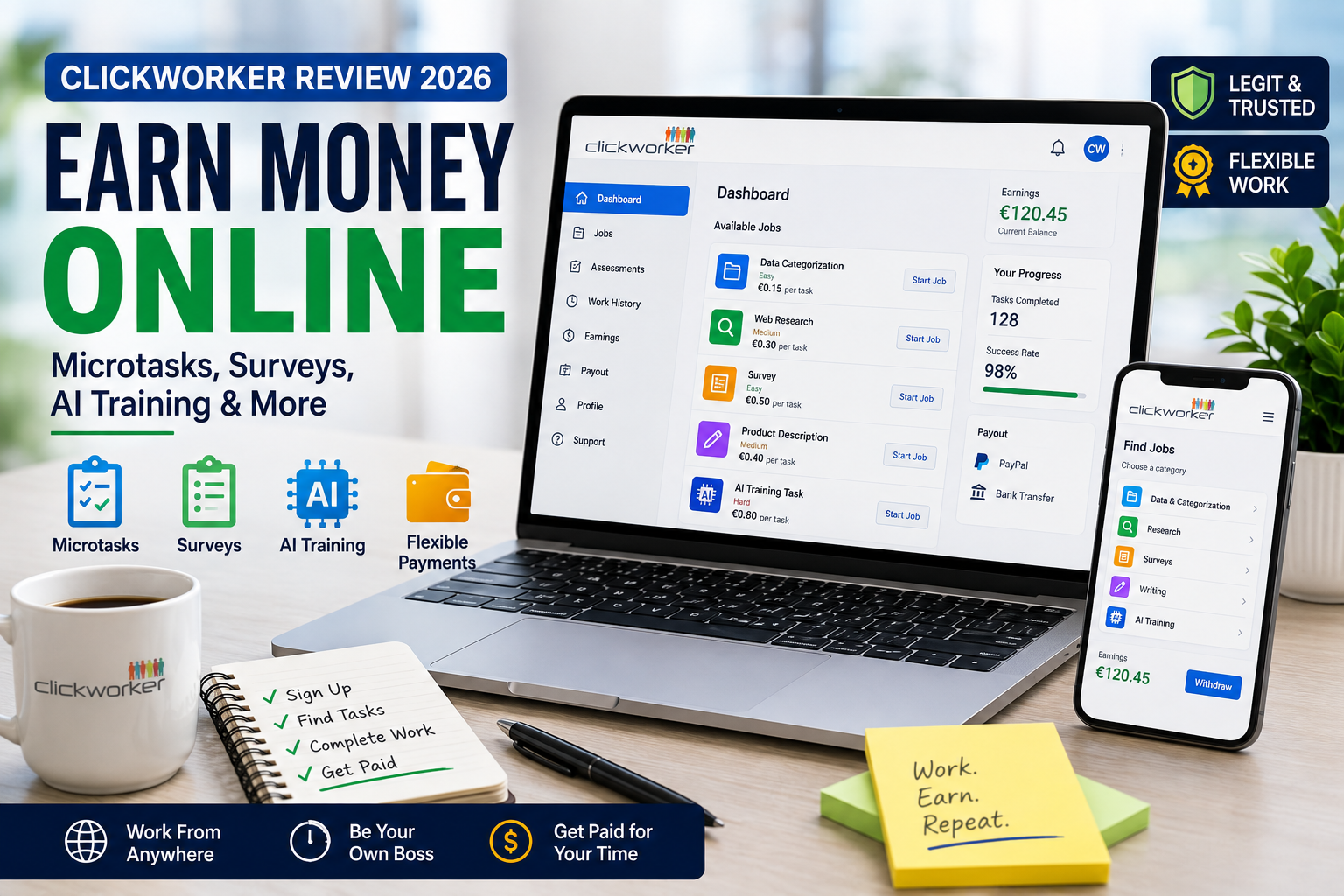

Clickworker Review (2026): Is It Legit, How Much Can You Earn & Is It Worth Joining?
Introduction
Online microtask platforms have become a popular way for people to earn extra income from home. Instead of committing to full-time freelance projects, users can complete small digital tasks whenever they have free time.
Among the longest-running platforms in this space is Clickworker, a company that connects businesses with a global workforce to complete data-related tasks such as writing, categorization, web research, AI training, surveys (when available), and other small online jobs.
Unlike platforms that focus solely on paid surveys, Clickworker offers a wider variety of earning opportunities. The amount you earn depends on the availability of tasks, your qualifications, your location, and the quality of your work.
In this review, we’ll cover:
- What Clickworker is
- How it works
- Whether it’s legitimate
- Who can join
- Supported countries
- Whether Nigerians can participate
- Earning methods
- Payment options
- Minimum payout
- Whether it’s worth joining
This review is based on publicly available information and Clickworker’s official documentation to help you make an informed decision.
What Is Clickworker?
Clickworker is an online crowdsourcing platform that pays independent contractors (known as Clickworkers) to complete small digital tasks for businesses and organizations.
Companies use Clickworker to outsource work that requires human input, including:
- Data annotation
- AI training tasks
- Writing
- Editing
- Product categorization
- Internet research
- Surveys (when available)
- Audio and image labeling
- Proofreading
- App testing (selected projects)
Workers can log into their accounts, browse available tasks, complete assignments, and receive payment after approved work.
Task availability varies depending on the user’s country, language skills, qualifications, and client demand.
Company Overview
| Information | Details |
|---|---|
| Company | Clickworker GmbH |
| Industry | Crowdsourcing & Microtask Platform |
| Founded | 2005 |
| Headquarters | Essen, Germany |
| Registration | Free |
| Business Model | Independent contractor platform |
| Mobile App | Android & iOS |
| Website Access | Yes |
| Referral Program | Available (subject to current program terms) |
How Does Clickworker Work?
Clickworker acts as a marketplace between companies and independent workers.
The general process looks like this:
- Create a free account.
- Complete your profile.
- Verify your email.
- Finish available assessments or qualifications.
- Browse available jobs.
- Complete approved tasks.
- Receive payment after work is reviewed and approved.
Some tasks become available only after passing qualification tests or demonstrating consistent, high-quality work.
Because Clickworker matches tasks to user profiles, two users may see different earning opportunities.
Is Clickworker Legit or a Scam?
Based on publicly available information and its long operating history, Clickworker is a legitimate online microtask platform.
The company has operated since 2005 and works with businesses that outsource digital tasks requiring human input.
However, being legitimate does not mean that every user will earn significant income.
Several factors influence earnings, including:
- Country of residence
- Available projects
- Language skills
- Qualification test results
- Task availability
- Accuracy of completed work
It’s best to view Clickworker as a way to earn supplemental income rather than a guaranteed full-time salary.
Who Can Join?
Clickworker is designed for individuals who want flexible online work.
Typical users include:
Students
Looking for part-time online income.
Freelancers
Seeking additional work between client projects.
Stay-at-home Parents
Completing tasks during available free time.
Remote Workers
Earning supplemental income.
Multilingual Users
Language skills may qualify users for specialized projects.
Anyone Interested in Microtasks
As long as they meet Clickworker’s eligibility requirements.
Applicants must satisfy Clickworker’s current registration requirements and agree to its terms of service.
Supported Countries
Clickworker accepts workers from many countries around the world.
However, not every country receives the same number of available tasks.
Job availability depends on:
- Client demand
- Language requirements
- Regional projects
- Qualification status
- Local regulations
Before registering, users should check Clickworker’s official website for the latest information regarding country eligibility and project availability.
READ ALSO: Perplexity AI Review (2026): Features, Pricing, Search Accuracy & Is It Worth Using?
Can Nigerians Participate?
Yes. Nigerians can create a Clickworker account if the platform is available in their region and they meet the registration requirements.
However, it’s important to understand that:
- Task availability may differ from other countries.
- Some projects are limited to specific regions or languages.
- Qualification tests may determine eligibility for certain jobs.
- Earnings can vary significantly based on available work.
Nigerian users should not expect a constant flow of tasks, as project availability changes over time.
Registration Process
Creating a Clickworker account is straightforward.
Step 1
Visit the official Clickworker website or download the mobile app.
Step 2
Click Sign Up.
Step 3
Provide:
- Name
- Email address
- Country
- Password
Step 4
Verify your email address.
Step 5
Complete your profile accurately.
Step 6
Finish any available assessments or qualification tests.
Step 7
Browse available jobs once your account is active.
Providing accurate profile information can improve your chances of qualifying for relevant tasks.
Earning Methods
Clickworker offers several ways to earn money.
Available opportunities depend on your qualifications and current projects.
Common task categories include:
1. AI Training Tasks
These tasks help improve artificial intelligence systems by labeling, reviewing, or categorizing data.
Examples include:
- Image labeling
- Text annotation
- Audio classification
- Search relevance evaluation
2. Writing Tasks
Qualified users may receive assignments involving:
- Product descriptions
- Short articles
- Content editing
- Creative writing
- Text improvement
Availability varies based on language skills and client demand.
3. Categorization
Workers may organize products, websites, or other digital content into predefined categories.
4. Web Research
Some tasks require finding and verifying publicly available information online according to specific client instructions.
5. Surveys
Clickworker occasionally offers paid surveys through selected projects.
Survey availability depends on:
- Country
- Demographics
- Client demand
- Qualification status
Unlike dedicated survey websites, surveys are only one part of the platform’s overall earning opportunities.
6. App and Website Testing
Some projects involve testing websites or applications and providing structured feedback.
These assignments are not always available.
7. Photo and Video Collection Projects
Clients may request:
- Image collection
- Short video submissions
- Object photography
- Environmental photos
These projects are typically used for AI training datasets and may only be available in certain regions.
UHRS (Where Available)
One of Clickworker’s best-known earning opportunities has been access to the Universal Human Relevance System (UHRS), a platform used for tasks such as search relevance evaluation and AI data labeling.
Access to UHRS is not guaranteed and depends on Clickworker’s current partnerships, qualification requirements, and account eligibility. Availability can change over time.
If UHRS access is available, eligible workers may find additional microtasks beyond those listed in the standard Clickworker dashboard.
Payment Methods
Clickworker supports several payment methods, although availability can vary by country.
Common payment options include:
- PayPal
- SEPA bank transfer (for eligible regions)
The exact payment methods available to your account will depend on your country and Clickworker’s current payment policies.
Always review your account settings and Clickworker’s official help documentation for the latest payment information.
Minimum Payout
The minimum withdrawal amount depends on the payment method you use and Clickworker’s current payout policy.
Because payout thresholds and payment rules may change, users should verify the latest requirements in their Clickworker account or the official Help Center before requesting a withdrawal.
Mobile App
Clickworker offers official mobile apps for both Android and iOS, allowing users to:
- Browse available tasks
- Accept eligible jobs
- Receive notifications
- Manage their accounts
- Complete certain mobile-friendly assignments
Some projects may still require a desktop or laptop computer, depending on the client’s technical requirements.
Is Registration Free?
Yes. Creating a Clickworker account is free.
Users do not pay a registration fee, subscription fee, or membership charge to join the platform.
Be cautious of anyone claiming to sell Clickworker accounts or requesting payment to help you register, as legitimate registration is handled directly through Clickworker’s official website or app.
READ ALSO: Canva Magic Studio Review (2026): Features, Pricing and AI Tools
User Experience
Clickworker has built a reputation as one of the more established microtask platforms. The dashboard is generally straightforward, allowing users to view available projects, track completed work, and manage their payment information.
The experience, however, varies from one user to another. Some workers consistently receive tasks, while others may see limited opportunities depending on factors such as:
- Country of residence
- Language proficiency
- Qualification test results
- Client demand
- Seasonal project availability
New users should understand that task availability fluctuates. There may be days with numerous assignments and other periods with very few or none.
Overall, Clickworker is best suited for people looking for flexible side income rather than a predictable monthly salary.
Payment Proof
Clickworker has publicly stated that it pays eligible workers for approved tasks according to its payment schedule.
However, this review does not include payment proof, as we have not independently verified any specific payment receipt.
Many users have shared payment experiences online, but individual results differ depending on completed work, account status, and payment method.
Note: Never rely solely on screenshots shared on social media as proof of legitimacy. Whenever possible, consult official documentation and multiple independent sources.
Pros and Cons
| Pros | Cons |
|---|---|
| Free to join | Task availability varies significantly |
| Long-established company | Earnings are not guaranteed |
| Multiple types of microtasks | Some projects are restricted by country |
| Official Android and iOS apps | Qualification tests may be required |
| Flexible work schedule | Certain tasks pay relatively little |
| Suitable for beginners | Competition for popular tasks can be high |
| Potential access to specialized AI projects | Some opportunities may require desktop access |
Tips to Maximize Your Earnings
Although no platform can guarantee steady work, these practices may help improve your chances of receiving more assignments.
1. Complete Your Profile
Provide accurate information about:
- Languages
- Education
- Skills
- Work experience
A complete profile helps Clickworker match you with suitable projects.
2. Take Qualification Assessments
Many higher-paying jobs require passing qualification tests.
The more assessments you successfully complete, the more projects you may become eligible for.
3. Maintain High Accuracy
Clients value quality.
Consistently accurate work may increase your chances of receiving future assignments.
4. Check the Dashboard Regularly
Many tasks are offered on a first-come, first-served basis.
Logging in frequently may help you find available work before projects reach capacity.
5. Follow Instructions Carefully
Microtasks often include detailed guidelines.
Reading instructions thoroughly can reduce mistakes and lower the risk of rejected submissions.
6. Diversify Your Income
Instead of relying only on Clickworker, consider combining it with other legitimate online earning opportunities.
This can help smooth out periods when fewer tasks are available.
Common Mistakes to Avoid
Many new users unintentionally reduce their earning potential by making avoidable mistakes.
1. Expecting Full-Time Income Immediately
Clickworker is generally better suited for supplemental income than a guaranteed full-time salary.
2. Rushing Through Tasks
Poor-quality work can lead to rejected submissions and fewer future opportunities.
3. Ignoring Qualification Tests
Skipping assessments may prevent you from accessing higher-paying projects.
4. Using Incorrect Personal Information
Ensure your account details match your identity and payment information where required.
5. Believing Unrealistic Earnings Claims
Be cautious of videos or blog posts promising unusually high daily or monthly earnings.
Your actual income will depend on available tasks, qualifications, location, and the quality of your work.
Best Clickworker Alternatives
If you’re looking to diversify your online earning opportunities, these platforms are worth considering.
| Platform | Best For |
|---|---|
| Toloka | AI data collection and microtasks |
| Amazon Mechanical Turk (availability varies) | Research and data tasks |
| Appen | AI training and data annotation projects |
| TELUS Digital AI Community | AI evaluation and search-related work |
| Remotasks (availability varies) | AI training tasks and data labeling |
| OneForma | Language and AI projects |
Each platform has different eligibility requirements, supported countries, payment methods, and project availability. Research each one carefully before registering.
Expert Opinion
Clickworker remains one of the more established names in the microtask industry.
Its greatest strengths include:
- Over two decades of operating history
- Diverse range of task categories
- Free registration
- Flexible working hours
- Opportunities for AI-related projects
That said, it is important to set realistic expectations.
Clickworker should be viewed as a way to earn supplemental income, not as a guaranteed replacement for traditional employment. Task availability is influenced by client demand, geographic location, language skills, and successful completion of qualification assessments.
For users who enjoy short online tasks and flexible schedules, Clickworker can be a useful addition to a broader online earning strategy.
READ ALSO: Anthropic Claude Review (2026): Features, Pricing, Safety & Is It Worth Using?
Final Verdict
Clickworker is a legitimate microtask platform that gives users the opportunity to earn money by completing small online tasks for businesses and organizations.
Its wide variety of assignments—including AI data labeling, writing, research, categorization, and occasional surveys—makes it more versatile than many survey-only websites.
However, success on the platform depends on several factors, including your country, qualifications, available projects, and the quality of your completed work.
Who should consider Clickworker?
- Students looking for flexible side income
- Freelancers between projects
- Stay-at-home parents
- Remote workers
- Anyone interested in microtasks and AI data projects
If you’re seeking a flexible way to earn extra money in your spare time and understand that work availability varies, Clickworker is worth considering. If you need a stable, predictable income, you’ll likely need to combine it with other freelance or remote work opportunities.
Frequently Asked Questions (FAQs)
1. Is Clickworker legitimate?
Yes. Clickworker is a legitimate crowdsourcing platform that has operated since 2005 and connects businesses with independent workers for digital microtasks.
2. Is Clickworker free to join?
Yes. Registration is free. Users do not pay a membership or subscription fee to create an account.
3. Can Nigerians use Clickworker?
Yes. Nigerians can register if the platform is available in their region and they meet Clickworker’s eligibility requirements. Task availability may differ from that in other countries.
4. How much can I realistically earn on Clickworker?
There is no fixed earning amount. Income varies based on task availability, qualifications, location, the type of work completed, and the quality of your submissions.
5. How does Clickworker pay users?
Available payment methods depend on your country and Clickworker’s current policies. Common options include PayPal and SEPA bank transfers for eligible users.
6. Does Clickworker have a mobile app?
Yes. Clickworker offers official mobile apps for Android and iOS, allowing users to manage their accounts and complete compatible tasks.
7. Does Clickworker offer surveys?
Yes, but surveys are only one category of work available on the platform. Users may also receive AI training tasks, writing assignments, categorization jobs, and research projects, depending on availability.
8. What is UHRS on Clickworker?
UHRS (Universal Human Relevance System) is a task platform that has been available to eligible Clickworker users through certain partnerships. Access depends on current eligibility requirements and may not be available to every account.
9. Can Clickworker replace a full-time job?
For most users, Clickworker is better viewed as a source of supplemental income rather than a dependable full-time income because task availability can fluctuate.
10. Is Clickworker worth joining?
If you’re looking for flexible online work, have realistic earning expectations, and don’t mind completing small digital tasks, Clickworker can be a worthwhile platform to explore. Registration is free, making it relatively easy to try without financial commitment.

Comments are closed.